Logging in to SingPass, the digital identity service that millions of people in Singapore use to access government and other online services, could soon become both safer and simpler. A new passkey option will allow users to verify their identity using methods such as a fingerprint or facial recognition, rather than typing in a password that can be stolen or phished.
GovTech, the agency behind the system, says the change is aimed at protecting users from emerging cyber threats while keeping the login process as convenient as it is today. The thinking is that passwords and one-time passwords, or OTPs, are no longer as safe as they once were, so adding stronger options helps shield people from scams that target those credentials.
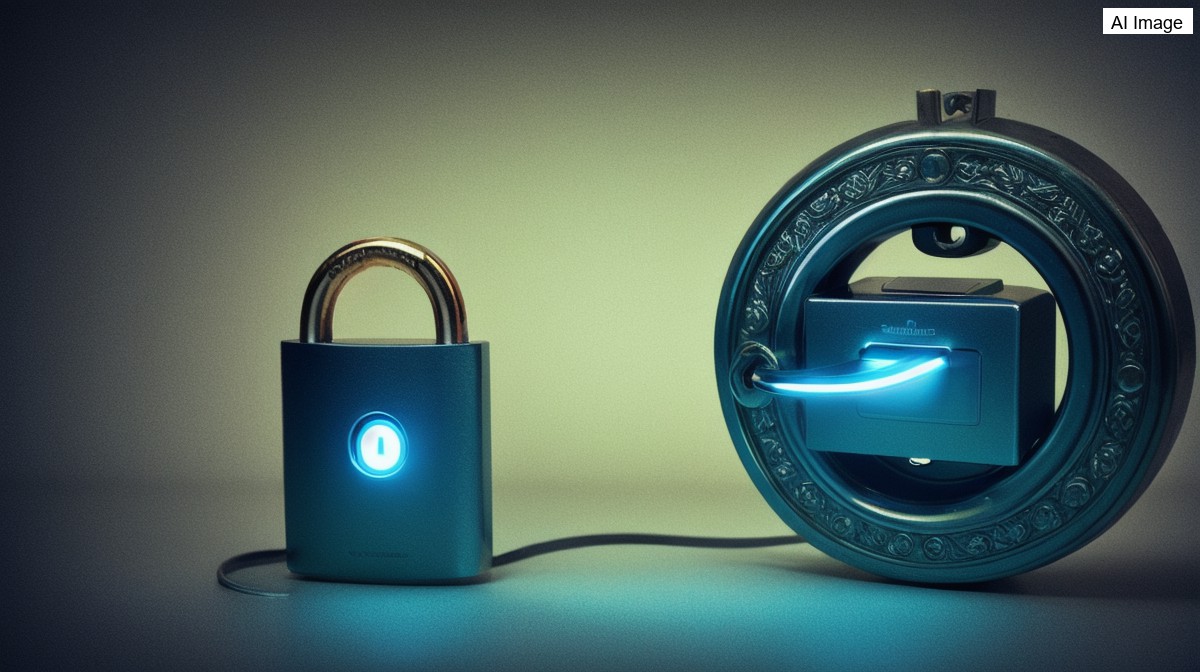
At a technical level, a passkey can be thought of as a lock that needs two keys. One of those keys is held by the service itself, while the other is stored securely on the user's own device. Only when both pieces come together is access granted, which is what makes the approach more resistant to interception than a simple password.
In practice, when a user attempts to log in using a legitimate prompt, the service presents its key, and the device then uses a passcode or a biometric such as a face or fingerprint to confirm the user's identity. If someone is logging in from another device, Bluetooth is used to make sure the right device and user are involved before access is allowed.
A key benefit highlighted by the authorities is protection against phishing. Because the process verifies that a user is interacting with the genuine service rather than a fraudulent copy, and removes the need for passwords and OTPs that scammers try to capture, it becomes much harder for criminals to trick people into handing over access to their accounts.
For users, the experience is designed to feel familiar. Once a passkey has been set up, signing in remains a similar process to what people are used to: they choose to log in with SingPass, select the passkey option, and then complete the verification using their biometrics or an app password, with the heavy lifting of confirming both the site and the user happening in the background.